
Google Ads for Ecommerce in Pakistan: Search, Shopping and Performance Max
How Pakistani online stores can use Google Search, Shopping and Performance Max campaigns to capture buyers who are already searching for their products.

Key takeaways
- Google captures existing demand; Meta creates new demand. Most stores need both.
- Start with branded and high-intent product searches before broad keywords.
- A clean product feed is the foundation of Shopping and Performance Max.
- Track purchases with value, so Google can optimise for revenue.
Most Pakistani online stores live on Facebook and Instagram and ignore Google. That’s a missed opportunity. When someone types “men’s leather wallet price in Pakistan” or “buy perfume online Karachi”, they’re ready to buy right now. Google Ads lets you appear at exactly that moment.
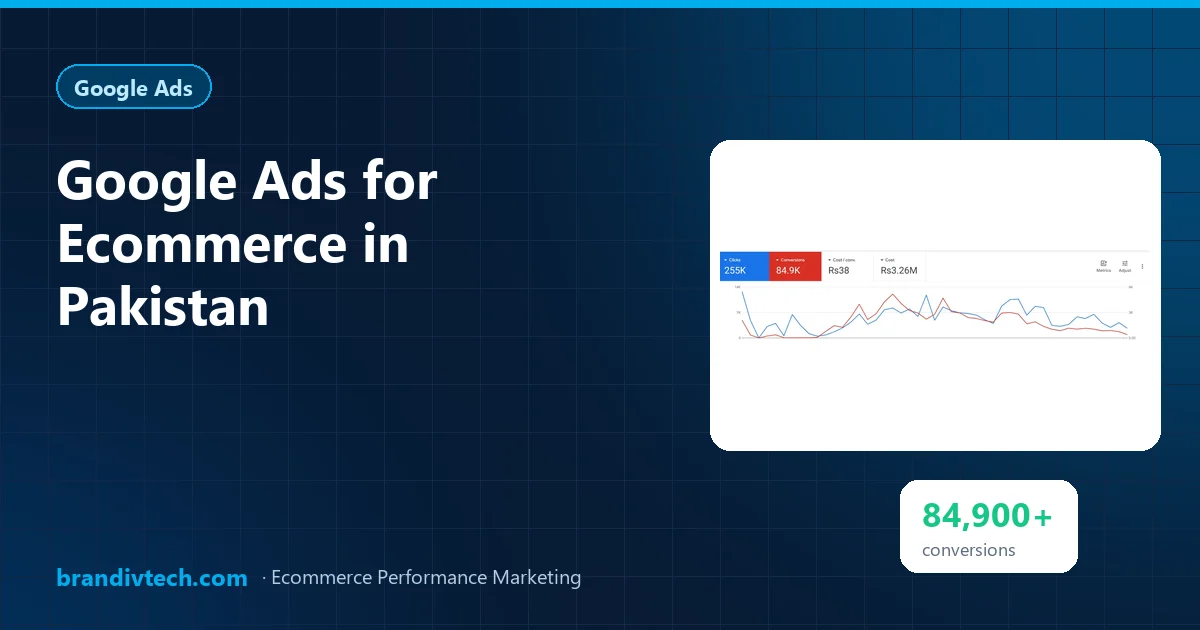
Our team has run Google Ads at large scale, including a campaign that delivered 84,900+ conversions at Rs38 per conversion. Here’s how we’d approach Google Ads for an ecommerce store.
Google vs Meta: different jobs
| Meta Ads | Google Ads | |
|---|---|---|
| Demand | Creates demand by showing products to people who weren’t looking | Captures demand from people already searching |
| Best for | Impulse products, new launches, visual products | Products people search for, comparisons, high intent buyers |
| Key skill | Creative | Keywords, product feed and bidding |
The strongest stores use both: Meta to build demand, Google to catch everyone who goes looking.
Campaign types for online stores
1. Search campaigns
Text ads that show on Google search results. Start with:
- Brand keywords (your store name), which are cheap and protect you from competitors.
- High-intent product keywords like “buy”, “price in Pakistan”, “online” plus your product type.
- Negative keywords such as “free”, “used”, “job”, “wholesale” (if you don’t sell wholesale) to stop wasted clicks.
2. Shopping campaigns
Shopping ads show your product image, price and store name directly in Google results. They require a product feed in Google Merchant Center. Before planning, confirm in Merchant Center that Shopping ads are supported for the country you’re targeting; if not, Search and Performance Max with a feed can still work.
3. Performance Max
Performance Max uses your feed, images, videos and text to show ads across Search, Shopping, YouTube, Display, Gmail and Maps. It can work very well once you have conversion data, but it needs good inputs and accurate tracking. Don’t launch it on day one with no data.
Your product feed is everything
For Shopping and Performance Max, your feed is your ad. Make sure each product has:
- A clear title with brand, product type and key attributes (e.g., “Men’s Black Leather Wallet, RFID Blocking”).
- Good images on a clean background.
- Correct price in PKR and stock status.
- A detailed description and correct product category.
On Shopify, the Google & YouTube app syncs your products to Merchant Center. On WooCommerce, use a feed plugin.
Tracking conversions properly
Google needs to know which clicks turned into sales and how much each sale was worth. Set up:
- Google Ads conversion tracking for purchases with transaction value.
- GA4 ecommerce events (view_item, add_to_cart, begin_checkout, purchase).
- Enhanced conversions, where possible, for better accuracy.
Bidding strategy
Start with Maximise Conversions or Maximise Conversion Value once tracking works. After you have steady conversions, add a target ROAS that’s realistic for your margins. Setting an aggressive target too early will choke your campaign. Not sure what target to use? Read our guide on what a good ROAS is.
Common mistakes we see
- Using broad match keywords without negatives, which burns budget on irrelevant searches.
- Sending all ads to the homepage instead of the relevant product or category page.
- No conversion tracking, so Google optimises for clicks.
- Judging Google on the same day. Search buyers often compare and come back later.
Should your store use Google Ads?
If people search for your product category on Google, yes. Start small with brand and high-intent keywords, fix your feed and tracking, then expand. Our performance marketing team manages Google and Meta together, so both channels work as one system.
Frequently asked questions
Do Google Ads work for ecommerce in Pakistan?
Yes, especially for products people actively search for. Google captures buyers with high intent, which often leads to strong conversion rates.
What is the difference between Shopping and Performance Max?
Shopping campaigns show product ads mainly on Google search results. Performance Max uses your feed and creatives to show ads across Search, Shopping, YouTube, Display, Gmail and Maps.
How much budget do I need for Google Ads?
Start with enough budget to get consistent clicks on your highest-intent keywords, then scale based on cost per order and ROAS.
Do I need Google Merchant Center?
For Shopping ads and to use a product feed in Performance Max, yes. It holds your product data and connects it to Google Ads.
Head of Marketing at Brandiv Technologies. 6+ years running Meta, Google and TikTok campaigns for ecommerce and lead generation brands across 10+ countries. See case studies →
Related guides
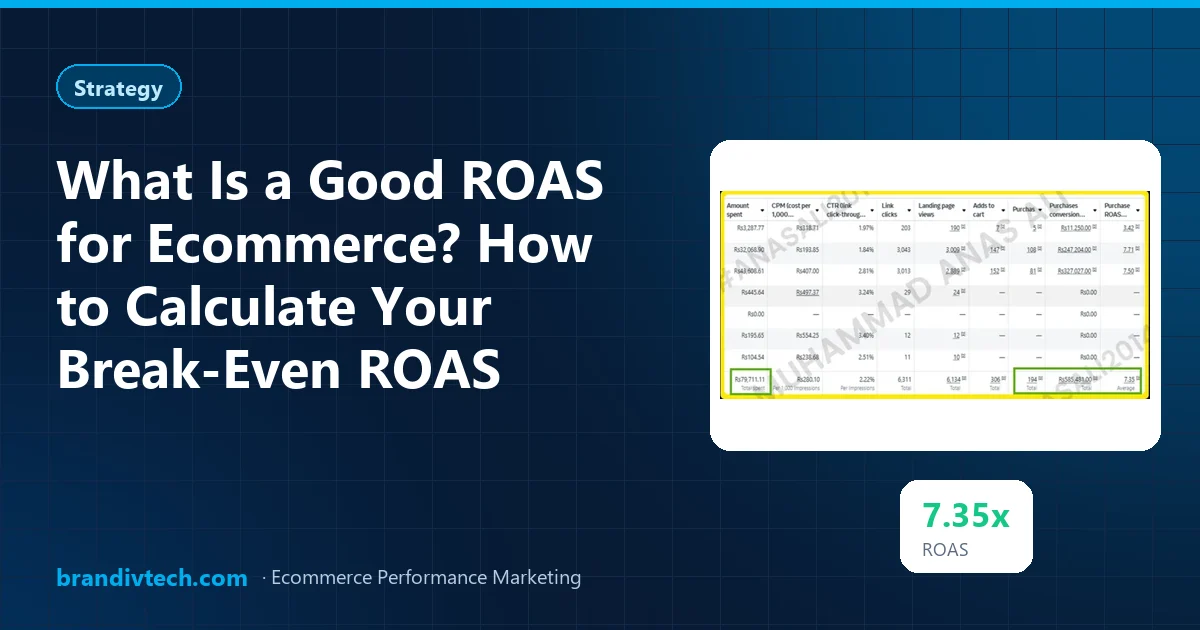
What Is a Good ROAS for Ecommerce? How to Calculate Your Break-Even ROAS
Why a 4x ROAS can still lose money, how to find your break-even ROAS, and the numbers that actually show profit.
8 min read →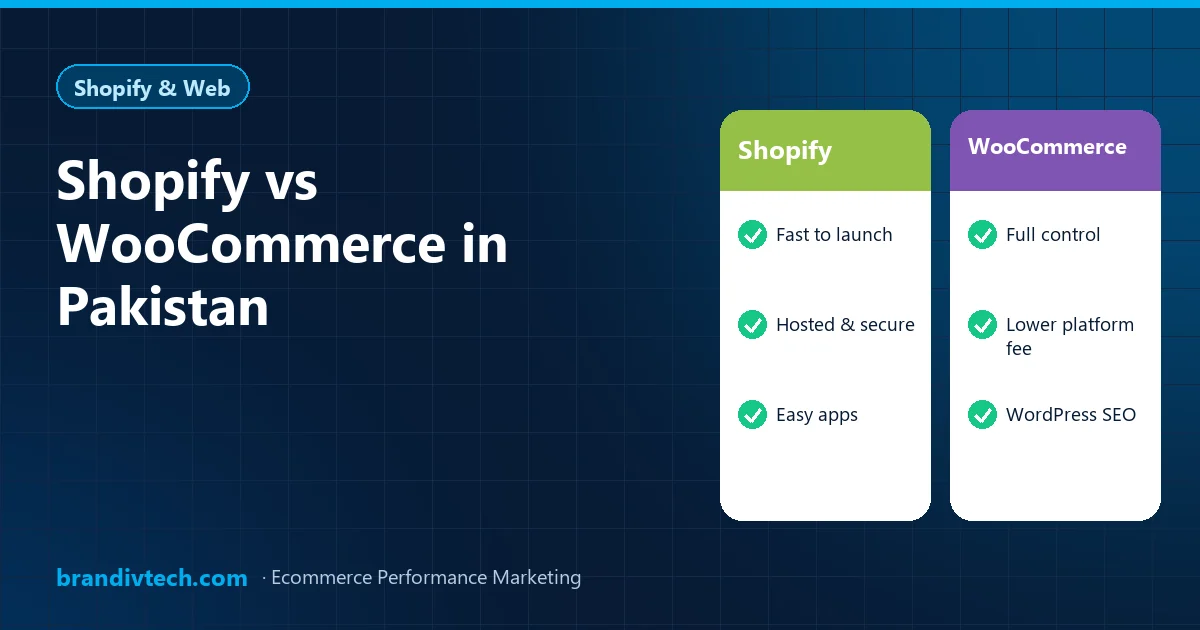
Shopify vs WooCommerce in Pakistan: Which Is Better for Your Online Store?
Costs, payments, COD, couriers, speed and marketing: an honest comparison to help you pick the right platform.
9 min read →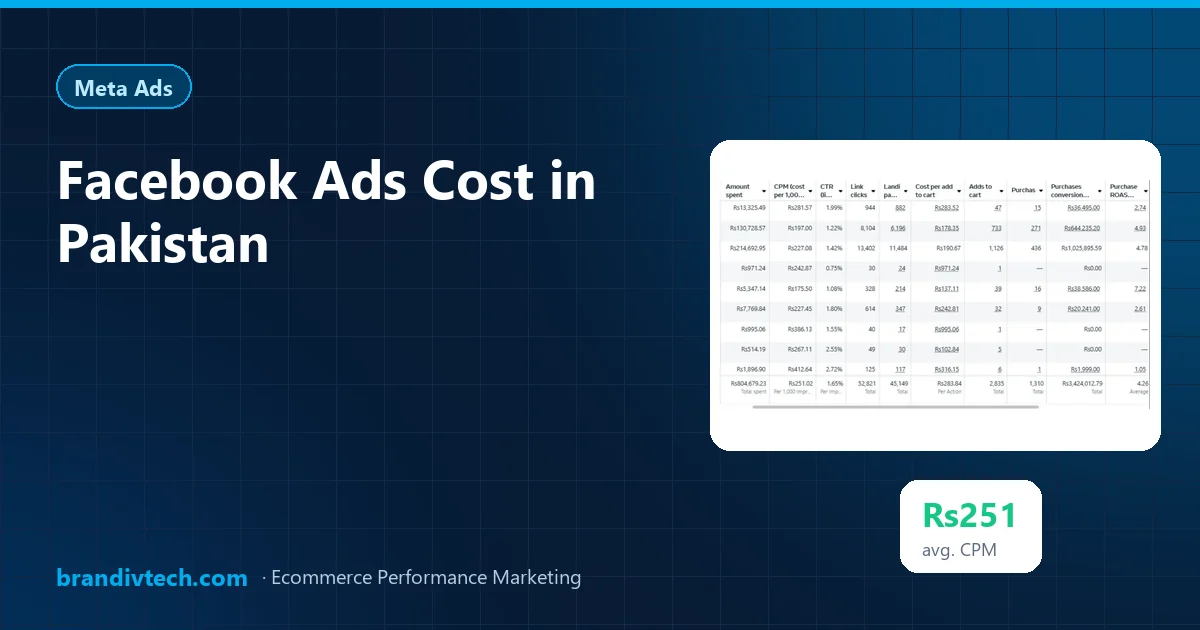
Facebook Ads Cost in Pakistan (2026): CPM, CPC and Cost per Purchase
Real CPM, cost per click and cost per purchase numbers from Pakistani ecommerce campaigns, plus how to set your budget.
8 min read →Want Google Ads that bring orders, not just clicks?
Tell us about your store and we’ll get back to you with a clear plan to grow sales profitably.
- Ad account & campaign structure review
- Creative and offer feedback
- Tracking (Pixel / CAPI / GA4) check
- Clear next steps, no obligation